00 — Now available on the App Store

The walk home,
scored street by street.

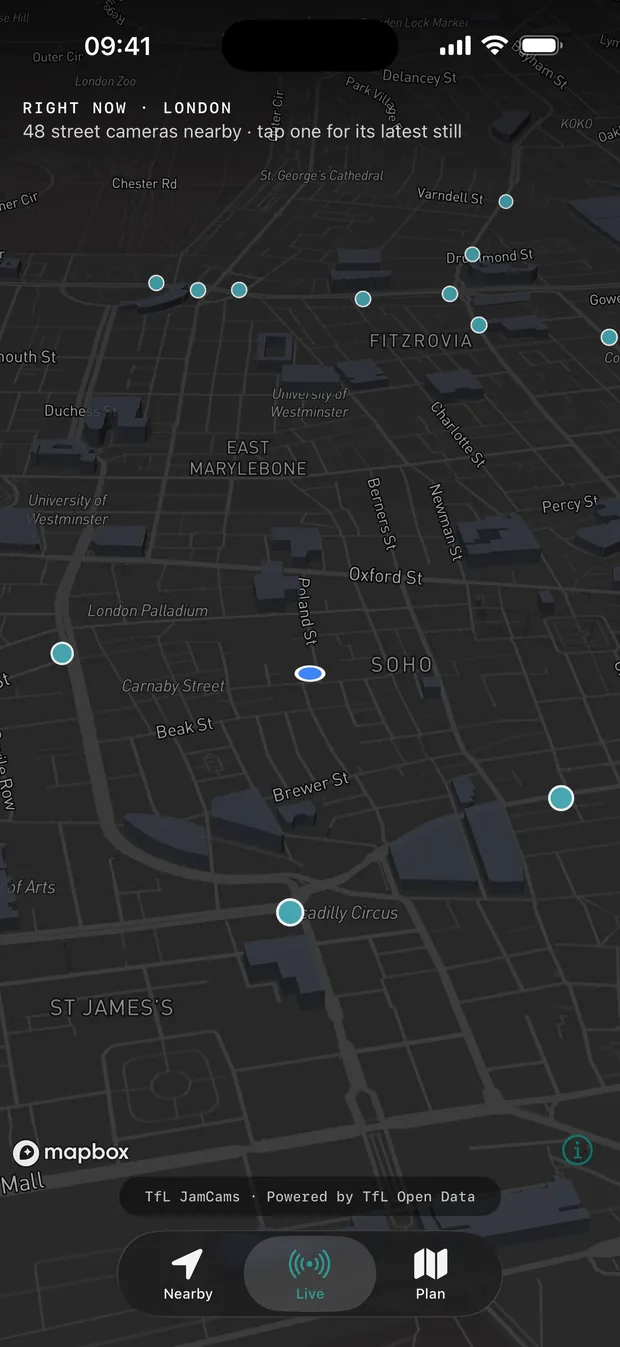
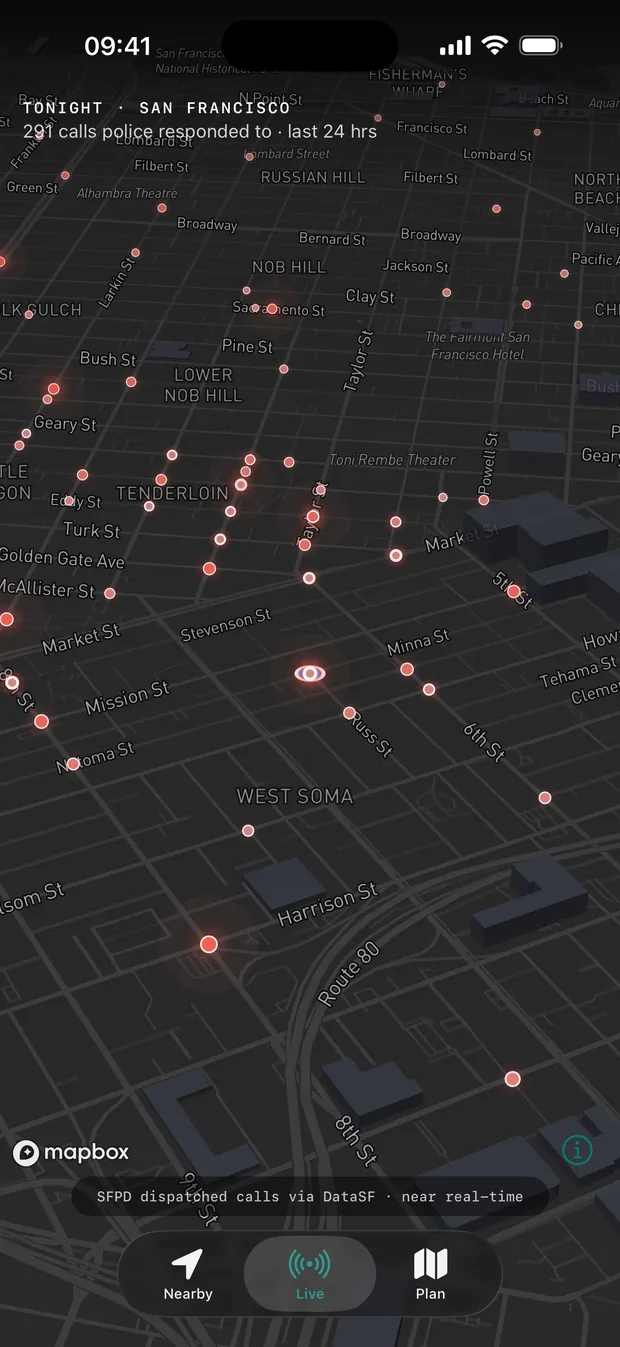
SafeRoute reads live crime data — UK police and US city crime data. Check how safe any area is in a tap, plan a route scored by real risk — severity, proximity, time of day — and walk the safer one. No accounts. No ads.

Download on the App Store

Free · iPhone, iPad, Apple Watch · Requires iOS 26.4+

SafeRoute showing a recommended walking route in New York scored 15 out of 100 for safety over a live crime heatmap, with a crime category breakdown and how well-lit it is
FIG.01 — SCORED ROUTENEW YORK
Data from data.police.uk + US city open data United Kingdom & US cities No accounts · No ads iPhone · iPad · Apple Watch
SafeRoute Nearby tab showing a 16 out of 100 area safety score for Columbus Ave in New York, a crime heatmap and what's reported nearby
NEARBY — AREA
SafeRoute Nearby tab showing safe spaces nearby — 24-hour delis, a pharmacy and a police precinct in New York — with a time-of-day risk chart
NEARBY — SAFE SPACES
// 01 — Nearby

Open the app. Read the street.

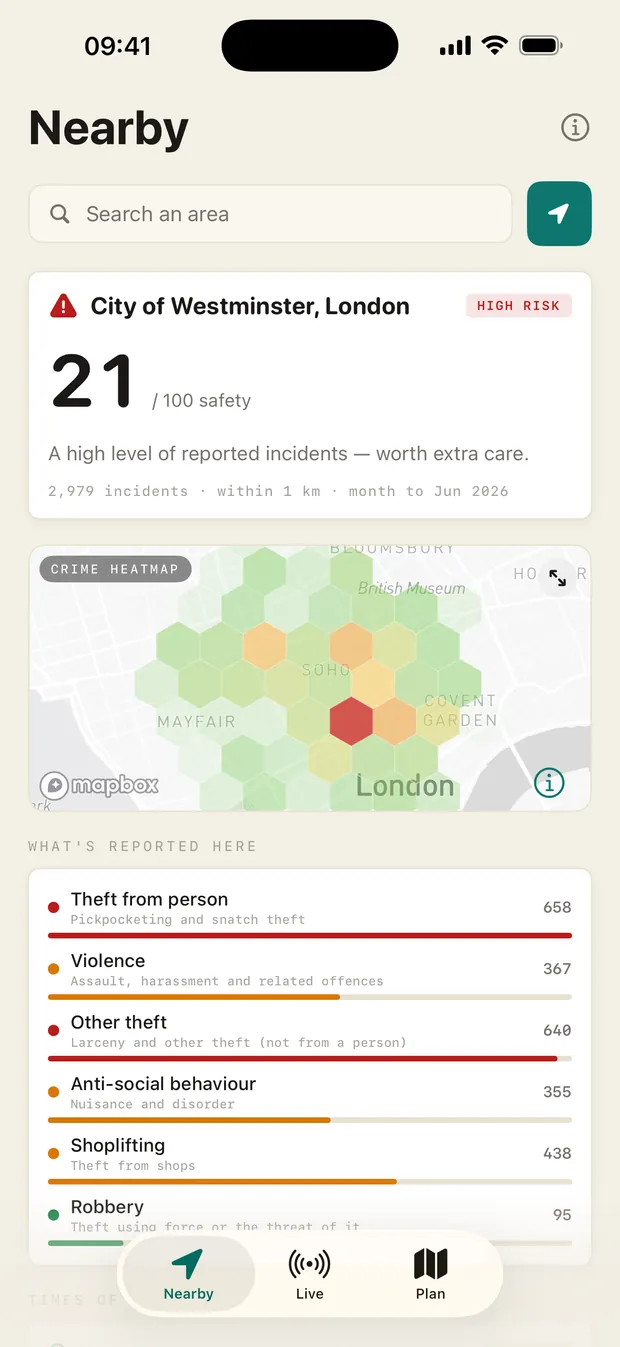
You don't always want a route — sometimes you just want to know. Open SafeRoute and the Nearby tab shows how safe where you are is right now: a score, a live heatmap, what's actually being reported, and the safe spaces around you.

  • Area safety score. A 0–100 read on your current area, with an at-a-glance Low / Moderate / Elevated band.
  • What's reported here. The real category mix nearby — violence, anti-social behaviour, burglary and more — from the latest published police data.
  • Safe spaces around you. The closest 24-hour shops, hospitals and police stations, with distance — tap one to route straight there.
  • Search any area. Checking somewhere before you go? Search it and read the same breakdown for anywhere in the UK or a covered US city.
// 02 — Why SafeRoute

Most safety apps stop at the map pin.

Seeing where crime happened is not the same as knowing which way to walk. SafeRoute does the harder part: it turns the data into a route, and shows its working.

The usual approach

Crime markers on a map

You get dots. You get a heatmap. Then you're left to squint at it and guess which street is the lesser risk — usually while you're already walking.

● SafeRoute

A scored route, and the maths behind it

Every candidate route gets a safety score from severity × proximity × time-of-day. You see the number, the breakdown, and the route that balances it against distance — before you set off.

// 03 — See it work

Under a minute, end to end.

Open the app, check your area, then plan a route and read its safety score — the core flow, start to finish on iPhone.

SafeRoute recommended route in New York with a 15 out of 100 safety score, a crime category breakdown within 150 m, how well-lit the route is, and time-of-day risk
FIG.02 — SAFETY SCORE15 / 100
// 04 — Transparent scoring

A score you can interrogate, not just trust.

Every route shows a 0–100 safety score with the full breakdown underneath: how many incidents are nearby, what kind, and how each one is weighted. Nothing is hidden behind a black box.

  • Severity × proximity. Closer and higher-severity crimes weigh more heavily — the formula is shown on screen.
  • Category breakdown. Theft from person, violence, anti-social behaviour and more, counted within 150m.
  • Time-of-day risk. In US cities, the actual reported times of incidents; in the UK, an ONS-based heuristic — labelled clearly, and never a prediction.
SafeRoute route planner from Harlem to Columbus Ave in New York with five routes found and scored over a crime heatmap, 9,345 incidents in the area
FIG.03 — ROUTE VIEW9,345 INCIDENTS
SafeRoute crime heatmap on iPhone with a tapped hexagon cell detailing 89 reported incidents in a 300-metre area of Washington Heights, New York
TAP A HEX89 INCIDENTS
// 05 — Crime heatmap

The data, on the map, whenever you want it.

Plan from anywhere in the UK or a covered US city. Add stops, swap start and end, and flip on the crime heatmap overlay to see exactly what the score is reading from.

  • Live incident loading. Routes pull the most recent published police data for the area you're walking.
  • Heatmap toggle. Turn the overlay on to see density at a glance, off for a clean route view.
  • Best Overall routing. SafeRoute picks the route that balances safety against distance — and tells you when that trade-off is moderate.
SafeRoute Share My Walk sheet with Live Location and Route Only options and a privacy notice
FIG.04 — SHARE MY WALKEXPIRES ON ARRIVAL
// 06 — Share my walk

Let someone watch you get home — and nothing more.

Send a trusted person a link. They see you reach your destination, then the link expires. No app for them to install, no account for either of you, no phone numbers collected.

  • Live Location. They see you moving on the map, updated roughly every 15 seconds.
  • Route Only. Share your planned route and ETA without your live position — the page turns green when you mark yourself arrived.
  • Auto-expiry. The link ends when you arrive, and after four hours either way.
iPhone Home Screen with the SafeRoute Area Safety widget showing a High risk 17 out of 100 score and 3,707 incidents within 1 km from NYPD data
FIG.07 — AREA SAFETY WIDGETHOME SCREEN
// 07 — Area Safety widget

Your area's score, on your Home Screen.

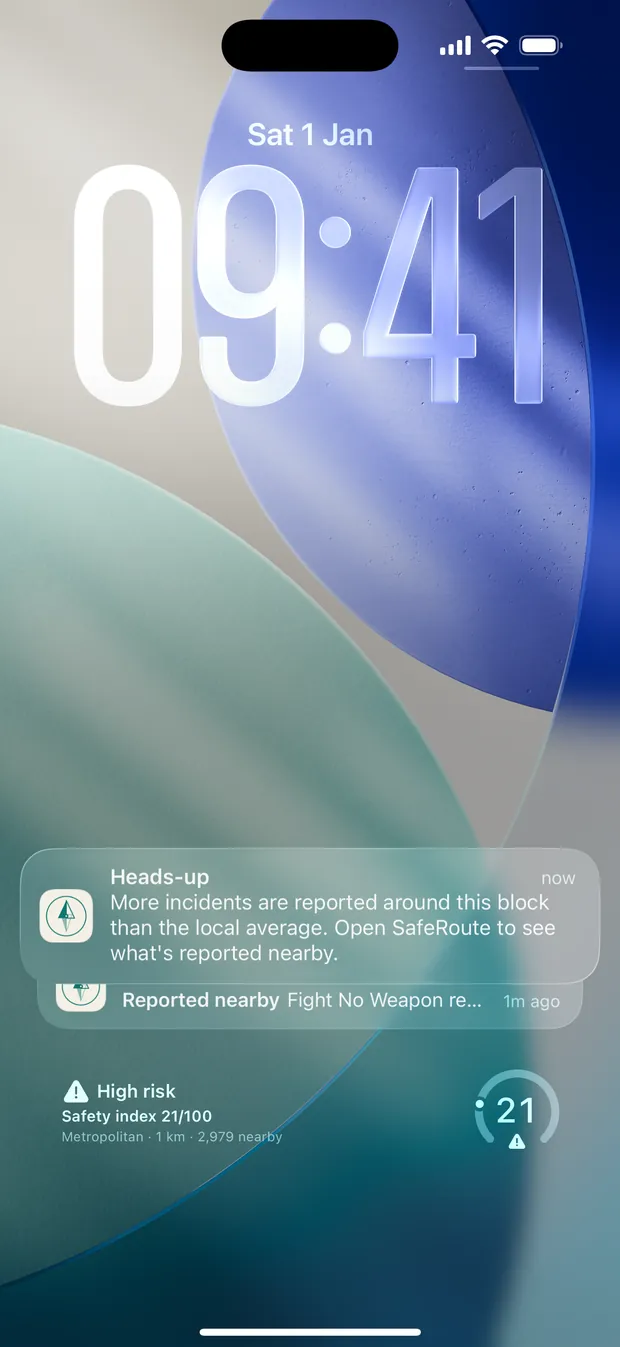
Add the Area Safety widget to your Home Screen or Lock Screen and the score is there before you even open the app — a glance tells you whether tonight's a normal night or one to stay switched on for.

  • Home & Lock Screen. Pick the size that fits; the score sits quietly alongside your other widgets.
  • At-a-glance read. The safety band, the incident count and the force the data comes from — refreshed through the day.
  • Tap to dive in. One tap opens the full Nearby breakdown for wherever you are.
SafeRoute on Apple Watch showing turn-by-turn navigation
WATCH — NAV
SafeRoute Apple Watch safety panel with 999 and Strut Safe when the phone is offline
WATCH — SAFETY
// 08 — Apple Watch & Live Activity

On your wrist, on your lock screen, phone in your pocket.

SafeRoute is built natively for Apple Watch and uses Live Activities, so the next direction is a glance away — you don't have to walk with your phone out.

  • Watch navigation. Distance, next move and ETA on the wrist; swipe for the safety panel.
  • Phone-offline safety. The watch still surfaces 999 and Strut Safe if it loses the phone.
  • Live Activity. Turn-by-turn on the Lock Screen and Dynamic Island, with the route's risk level shown.
SafeRoute Find Help Nearby sheet listing the closest 24-hour places in New York, with one-tap Call 911
FIG.05 — FIND HELP
SafeRoute Strut Safe sheet explaining the UK volunteer walk-home line
FIG.06 — STRUT SAFE
// 09 — If something feels wrong

The nearest open door, one tap away.

If a walk stops feeling right, SafeRoute surfaces the closest 24-hour places that can help — shops, police, hospitals — alongside your local emergency number (999 in the UK, 911 in the US) and, in the UK, the volunteer walk-home line.

  • Find Help Nearby. The closest places open right now, with distance and a route straight to them.
  • Strut Safe built in. Clear hours and what to expect from the volunteer walk-home line — no guesswork at 2am.
  • 999, always reachable. Emergency calling is one tap from anywhere in the app.
// 10 — Every screen

Roomier on iPad. Identical underneath.

The same Nearby checks, crime-aware routing, scoring and live navigation — laid out for the bigger display.

SafeRoute Nearby tab on iPad showing a 21 out of 100 area safety score for New York, a crime heatmap, what's reported and safe spaces nearby
IPAD — NEARBY
SafeRoute route planner on iPad with a scored route from Current Location to 250 Park Avenue in New York over a crime heatmap
IPAD — PLAN
SafeRoute crime heatmap on iPad with a tapped hexagon cell detailing 153 reported incidents in that area of New York
IPAD — TAP A HEX
Built for everyone Full Dark Mode Dynamic Type VoiceOver throughout Reduce Motion Recent searches · one-tap Home
// 11 — Privacy by design

The safety app that doesn't watch you back.

A tool that tracked your every walk would be its own risk. SafeRoute is built so it can't.

P.01

No accounts

Nothing to sign up for. No email, no password, no profile — open the app and plan a walk.

P.02

No ad tracking

No advertising identifiers, no data brokers, no cross-app tracking. The only analytics are anonymous, opt-out usage counts — never your searches, routes, or location.

P.03

Open data, openly cited

Crime data comes from data.police.uk (UK) and US city police via municipal open data — public sources, named in the app, so you can check the working.

// 12 — Available now

Walk smarter. Walk safer. Walk home.

SafeRoute is live on the App Store. Free, no accounts, no ads — just the safer route home.

Download on the App Store

Free · iPhone, iPad, Apple Watch · Requires iOS 26.4+